
The NLE App: bookings, clinics and yard updates - all in one place.
The NLE App is web-based (so it works on any phone, tablet, or computer), and it’s where we manage things like arena and facility bookings, clinic bookings, and useful yard information. You can use it in your browser, or add it to your home screen so it behaves like a normal app.
Prefer the official app install?
The NLE App is now available on the Google Play Store. Apple App Store coming soon.
Getting started
Most people are up and running in a couple of minutes. If you get stuck, just email us.
Open the link
Go to app.naturallylightequitation.com (or use nleyard.com - it redirects you to the same place).
Create an account or sign in
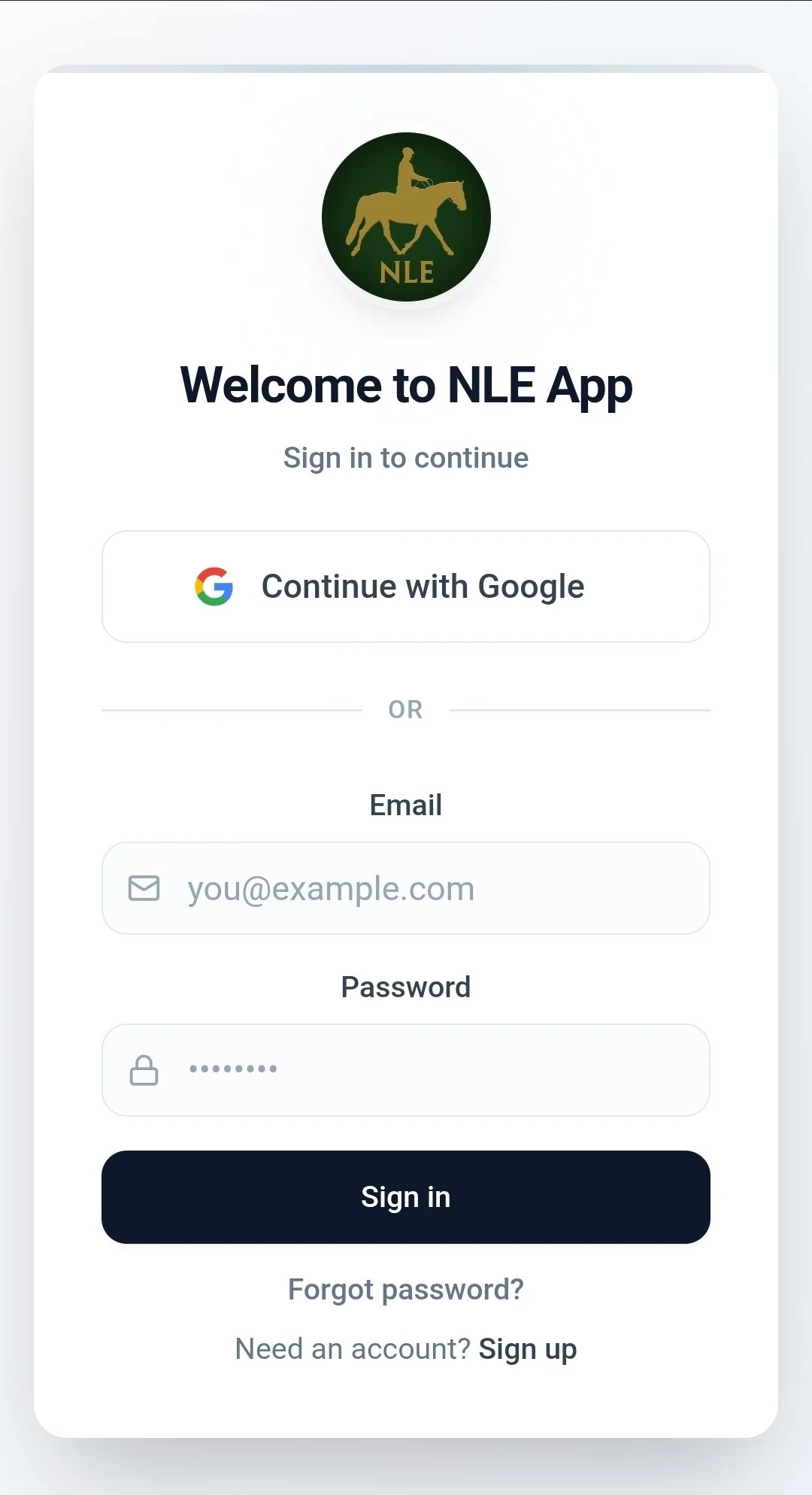
If you’re new, tap “Sign up” at the bottom of the sign-in screen to create an account. If you already have one, just sign in and you’ll see your dashboard.
Add it to your home screen
You can keep using it in your browser - or add it to your home screen so it opens like a normal app icon.
When you open the app, you’ll land on the sign-in screen. If you don’t have an account yet, tap “Sign up” at the bottom to create one.
Add to Home Screen
The app is web-based, but you can pin it to your home screen so it behaves like an app (full screen, quick access, easy to find).
- Open app.naturallylightequitation.com and sign in.
- Tap the menu (often three dots or a menu icon in your browser).
- Select Add to / Install app / Add to Home screen (wording can vary).
- Confirm, and you’ll get an NLE App icon on your home screen.
- Open app.naturallylightequitation.com in Safari and sign in.
- Tap the … at the bottom right (or the Share button depending on iOS version).
- Tap Share, then … MORE.
- Choose Add to Home Screen and confirm.
Help and troubleshooting
If anything looks odd, these quick fixes solve most issues.
I can’t sign in / I forgot my password.
Use the Forgot password option on the sign-in screen. If your email isn’t being recognised, email us and we’ll check your account.
The page looks wrong or won’t load properly.
Try a quick refresh, then fully close and reopen your browser. If it still persists, try a different browser (Safari/Chrome) or switch from mobile data to Wi-Fi (or vice versa).
I can’t find “Add to Home Screen”.
On iPhone, make sure you’re in Safari. On Android, the wording varies: it might say Install app or Add to Home screen. If you’re stuck, email us and we’ll help.
Will it be on the App Store / Google Play?
The app is now available on Google Play. Apple App Store is coming soon.
NEED A HAND SETTING IT UP?
If you have any problems signing in or adding it to your home screen, please email us at info@naturallylightequitation.com .